

This guide goes over a couple different issues, find the one that applies to you.
- You installed the plugins but it wont show in After Effects:
- Windows - Automatic Method
- Windows - Manual Method
- MacOS - Manual Method
- Your plugins are unlicensed:
- Only some effects are unlicensed:
- Service Unavailable / Security Alert:
You installed the plugins but it wont show in After Effects:
If you are using After Effects 2023 or a version prior (2022,2021,2020..), Red Giant and Universe will not install correctly. This has been a fact since their 2024 releases. While they are compatible and fully functional once installed, you’ll have to force them to install with a few extra steps.Windows - Automatic Method
- Open PowerShell and copy paste this:
Get-ChildItem -Path "HKLM:\SOFTWARE\Adobe\After Effects" - Under “Name”, you will see your version.
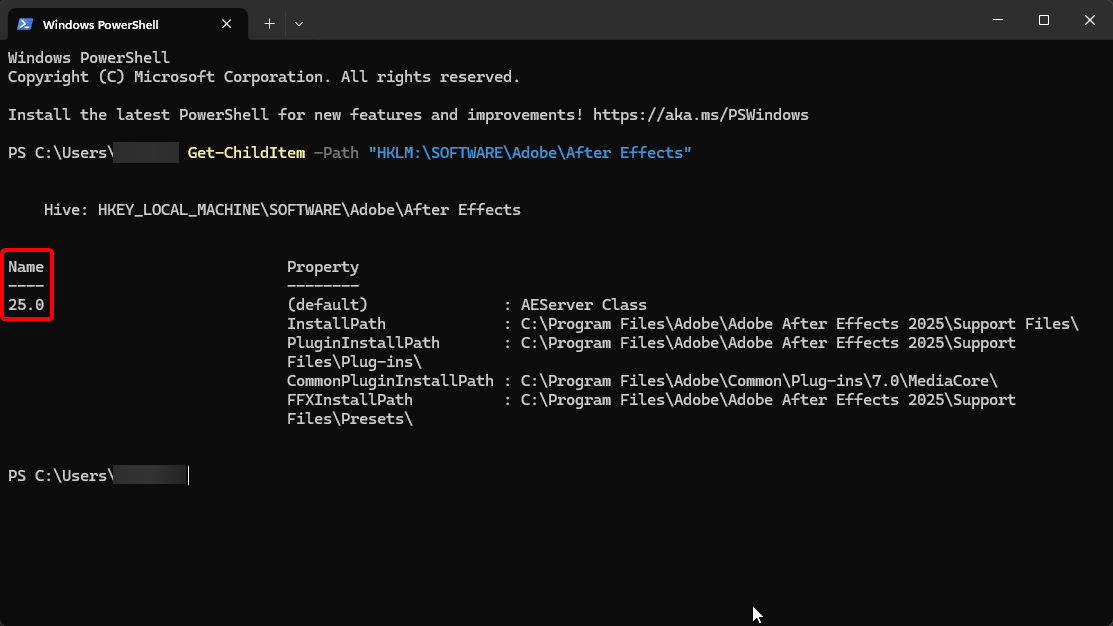
Change “XX.X” in the next step to this number.
- Open PowerShell as Administrator and paste this in:
Copy-Item -Path "HKLM:\SOFTWARE\Adobe\After Effects\XX.X" -Destination "HKLM:\SOFTWARE\Adobe\After Effects\28.0" -Recurse
- Now run the plugin installers (Red Giant & Universe).
- Close After Effects & run the patch (service unlocker).
- Once done, check if all installed in After Effects, then run:
Remove-Item -Path "HKLM:\SOFTWARE\Adobe\After Effects\28.0" -Recurse
Windows - Manual Method
- Download and install After Effects 2024 or above (2025, 2026..)
- Run Red Giant installer and Universe installers.
- Patch the plugins through the Service Unlocker.
- Open your main After Effects version and verify that it works.
- You can now delete After Effects 2024+ if you wish.
MacOS - Manual Method
- Download and install After Effects 2024 or above (2025, 2026..)
- Run Red Giant installer and Universe installers.
- Patch the plugins via
license.pkg - Open your main After Effects version and verify that it works.
- You can now delete After Effects 2024+ if you wish.
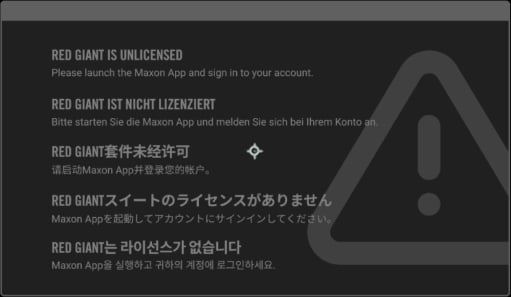
Your plugins are unlicensed:
Only some effects are unlicensed:
This typically happens with Trapcode plugins, such as Particular. When After Effects is installed on drive that isn’t your main, the patcher isn’t able to locate the files correctly to patch them. Create a support post in our discord and one of our members should be able to supply you with patched copies which you can replace via plugin directory.Service Unavailable / Security Alert:
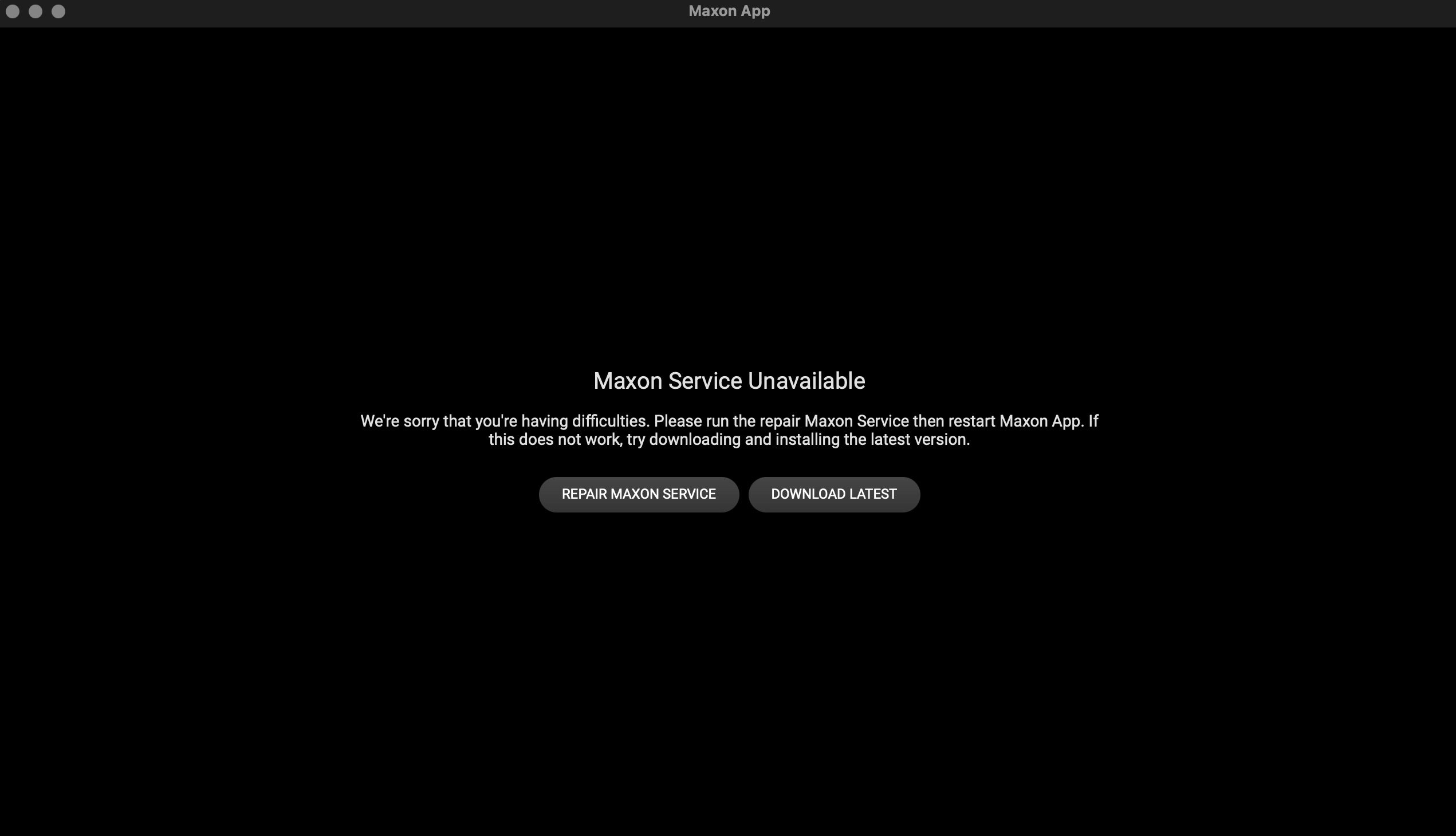
C:\Program Files\Red Giant\Services
MacOS: /Library/Application Support/Red Giant/Services/